
Manufacturing
Agro Plantation
Mining
Retail
Logistics
Healthcare
Education
Travel & Hospitality
– Softweb myPA – Robotic Process Automation
Put Your Repetitive Work on Autopilot with myPA
myPA is Softweb’s RPA software robot — it takes over rule-based, high-volume tasks like data entry, reconciliation, and reporting, running 24/7 across your existing systems without any rip-and-replace.
✕ Manual tasks eating up staff hours that should go to higher-value work
✕ Human error creeping into invoices, reconciliations, and compliance reports
✕ Competitors scaling faster because they’ve automated the busywork
✕ Customer response times slipping because workflows are still manual
What id RPA
RPA, Explained — and What myPA Actually Does
Robotic Process Automation (RPA) uses software robots — “bots” — to mimic the clicks, keystrokes, and screen-reads a person would perform in a business application. myPA is Softweb’s RPA bot: you show it a repetitive process once, and it takes over that process going forward, working at machine speed with consistent accuracy. Because myPA operates at the interface level, it sits on top of your current ERP, accounting, or plantation/mining systems — there’s no need to touch your core software to start automating.
Salient Features
What Makes myPA Work for Real Operations

Non Stop Error Free Execution
myPA runs continuously, executing every step the same way every time — removing the fatigue-driven errors that creep into manual data entry and reconciliation.
Attended & Unattended Bots
Deploy unattended bots for fully automated back-office processes, or attended bots that assist staff in real time during customer-facing or approval workflows.

AI-Assisted Document Capture
myPA reads and extracts data from invoices, e-auction sheets, and weighment slips, converting unstructured documents into structured, actionable data
Works With Legacy Systems
myPA automates at the UI level, so it integrates with older ERP, accounting, and industry-specific systems that don’t expose modern APIs.

No-Code Process Training
Business teams — not just IT — can select and train myPA on the processes to automate, without writing scripts or waiting on a development backlog.
Single-Screen Monitoring
Track every bot’s run status, exceptions, and throughput from one dashboard, so process owners always know what needs attention.
Case Studies
myPA in Action, Across Industries
myPA is already automating high-volume, rule-based processes for Softweb clients in mining, tea, and jute operations, and in finance back-offices.
Mining & Mineral Transport
Automating Mine & Mineral Transport with RPA
myPA automates the repetitive data capture and reconciliation steps involved in tracking mineral movement from pithead to dispatch, reducing manual logging errors across transport documentation.
Read Full Case Study →Tea Industry
Automating Tea Auction on Bharat e-Auction
myPA handles the repetitive bidding-data entry and reconciliation tasks tea sellers face on the Bharat e-Auction platform, cutting the manual effort around each auction cycle.
Read Full Case Study →Finance & Accounts
Managing Accounts Payable & Receivable with RPA
myPA automates invoice matching, payment tracking, and reconciliation across AP/AR workflows, giving finance teams a consistent, audit-ready process instead of manual spreadsheet work.
Read Full Case Study →Jute Industry
Automating Jute Sales with Softweb myPA
myPA takes over the repetitive order- and sales-entry tasks in jute trading operations, helping teams process transactions faster and with fewer manual reconciliation errors.
Read Full Case Study →Why Automate
Manual Process vs. myPA RPA
| Factor | Manual Process | RPA |
|---|---|---|
| Operating hours | Limited to staff shift hours | Runs 24/7, including nights and holidays |
| Error rate | Rises with fatigue and volume | Consistent, rule-based accuracy on every run |
| Scaling for peak volume | Requires overtime or temporary hires | Bots scale instantly to handle volume spikes |
| System changes required | N/A | None — automates at the interface level over existing systems |
| Audit trail | Depends on manual logging discipline | Every bot action is logged for compliance and audit |
| Staff time freed for strategic work | Low — hours consumed by repetitive tasks | High — teams shift to exceptions and analysis |
FAQs
Frequently asked questions
What is myPA, and how is it different from traditional automation?
myPA is Softweb’s RPA software robot that automates repetitive, rule-based tasks — data entry, reconciliation, reporting — by mimicking human actions on-screen. Unlike traditional automation that needs custom coding or system-level integration, myPA works on top of your existing software, so no system replacement is needed.
What tasks can myPA automate?
myPA automates high-volume, rule-based tasks such as invoice and AP/AR reconciliation, e-auction data entry, mineral transport documentation, sales order processing, and compliance reporting — the same categories covered in Softweb’s mining, tea, jute, and finance case studies.
Does myPA use attended or unattended bots?
Both. Unattended bots run fully automated back-office processes on a schedule with no human involvement, while attended bots assist staff in real time during approval or customer-facing workflows.
Can myPA integrate with our existing ERP or legacy systems?
Yes. myPA automates at the interface level — reading and interacting with screens the way a person would — so it works with legacy ERP, accounting, and industry-specific systems even when they don’t offer modern APIs.
Do we need coding skills to build or manage myPA automations?
No. myPA is designed for no-code process training, so business users can select and train the processes to automate without a development team. Softweb also provides onboarding support for in-house bot management.
How long does myPA implementation take?
Timelines depend on process complexity, but a single-process bot is typically scoped, configured, and deployed within a few weeks, following the three-step process outlined above: scope, implement, and go live.
– Hassle-Free Installation –
Get Started In Three Simple Steps
Understanding Scope
Understanding business process and identification of key areas
Solution Implementation
Implement our solution seamlessly in your business enterprise

Success Unravels
Unravel your journey towards business growth & customer satisfaction with Softweb
Our Blog

How a Multi-Unit Tea Blender in Assam Eliminated Blend Traceability Gaps with PACE360 ERP
A leading tea blending company in Assam adopted PACE360 to unify procurement, blending, warehouse management, [...]
18
Jun
Jun
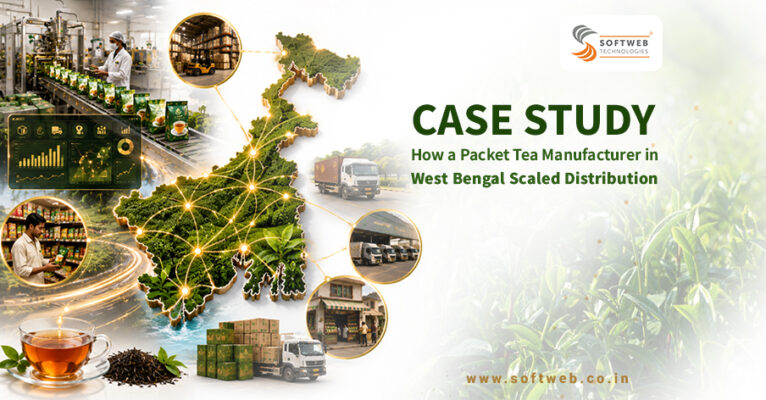
How a Packet Tea Manufacturer in West Bengal Scaled Distribution with PACE360 ERP
See how a leading yarn manufacturer moved beyond traditional procure-to-pay software to CVSS — Softweb’s [...]
18
Jun
Jun

The Future of Coal Supply Chain Management Through Automation & Innovation
See how a leading yarn manufacturer moved beyond traditional procure-to-pay software to CVSS — Softweb’s [...]
12
Jun
Jun
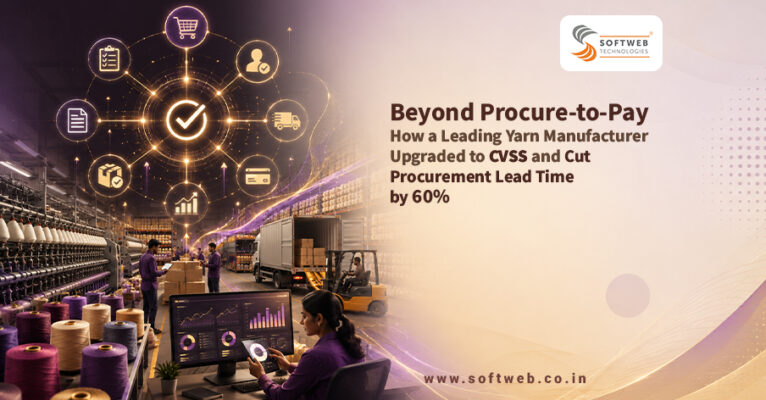
Beyond Procure-to-Pay: How a Leading Yarn Manufacturer Upgraded to CVSS and Cut Procurement Lead Time by 60%
See how a leading yarn manufacturer moved beyond traditional procure-to-pay software to CVSS — Softweb’s [...]
30
May
May
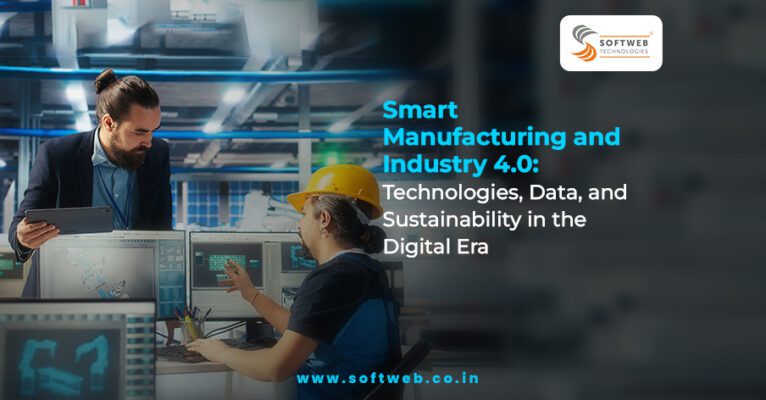
Smart Manufacturing and Industry 4.0: Technologies, Data, and Sustainability in the Digital Era
Explore how Industry 4.0 is transforming manufacturing through IoT, AI, robotics, and digital twins. Discover [...]
08
Oct
Oct

Digital Transformation Demystified: Strategy, Culture, and Technology for Future-Ready Enterprises
Discover how strategy, culture, and technology converge to drive true digital transformation. Learn how future-ready [...]
08
Oct
Oct
Blueeye in Bangladesh- Managing Payroll & Productivity in Duncan BD Gardens
Discover how Duncan BD Tea modernised plantations with BlueEye & PACE ERP, boosting efficiency, [...]
17
Sep
Sep

Mining Fleet Management: Driving Productivity through Intelligence
Open pit Mining Fleet Management boosts productivity and reduces costs by aligning automation in the [...]
05
Aug
Aug